
Phone repair checklists help you prepare your smartphone or tablet for professional repair while reducing avoidable delays and making it easier to confirm the device is working as expected afterwards. A little preparation before you hand over your device can help a technician diagnose faults more accurately, protect your personal information and ensure nothing is overlooked when you collect it again. Whether you’re visiting a Brisbane repair location or using an Australia-wide courier service, following a clear process makes the repair experience more straightforward.
Why preparing your phone matters
A phone repair checklist gives both you and the technician a clear starting point. Accurate information about the problem makes diagnosis more efficient and reduces the chance of intermittent faults being overlooked.
Preparation also helps you verify the repair afterwards. Comparing your device before and after the repair makes it easier to confirm the reported issue has been addressed and identify anything that still needs attention.
Your pre-repair checklist
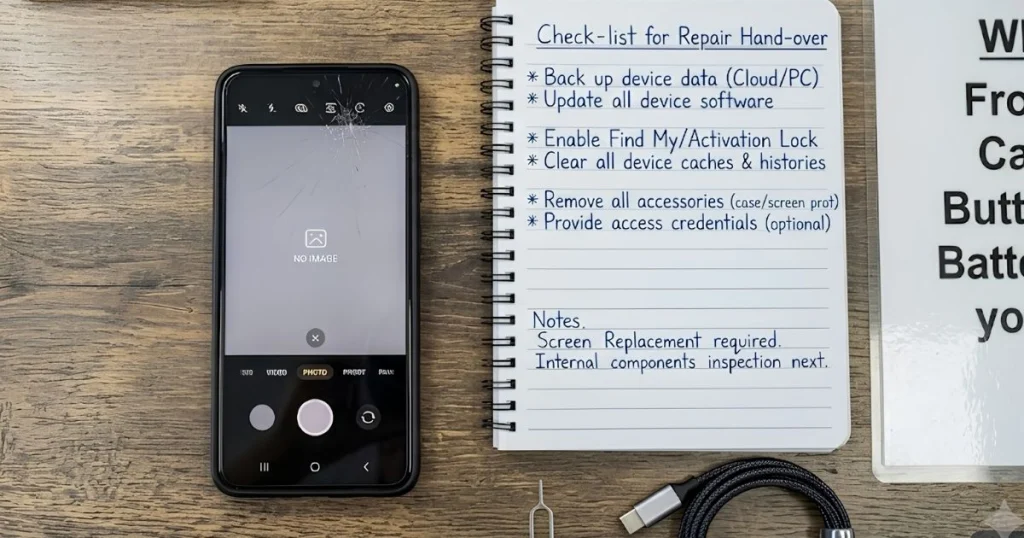
Complete these steps before taking your device to a repair shop or arranging a courier repair.
- Back up important data. A current backup helps protect important files if software troubleshooting becomes necessary. If you need guidance, review your preferred backup guide before booking the repair.
- Charge the battery if possible. A charged device allows more complete diagnosis and post-repair testing.
- Remove your SIM card and any memory card if they are not required. This keeps your personal storage media with you during the repair.
- Remove cases, screen protectors and accessories if requested. This allows the technician to inspect the device properly and prevents accessories from affecting diagnosis.
- Record the device model and anything you may need to access later. This makes collection and setting the device back up more straightforward.
- Photograph cosmetic damage. Take clear photos of existing scratches, dents and cracks so both you and the repair provider have a shared record of the device’s condition.

Record every symptom before visiting a repair shop
Recording symptoms helps experienced technicians reproduce faults that may not appear immediately during testing.
- What happens?
- Describe the fault clearly, such as random restarts, charging only at certain angles or distorted speaker audio.
- When does it happen?
- Note whether the issue appears after the battery reaches a certain level, while using particular apps or only after the device becomes warm.
- How often?
- Explain whether the problem is constant, occasional or becoming more frequent.
- What have you already tried?
- Mention any restarts, software updates or accessories you’ve tested so the technician does not unnecessarily repeat the same checks.
For example, a phone that only stops charging when the cable is moved provides a useful clue that differs from a device that never charges at all. Small details like these help technicians narrow down possible causes more quickly.
Protect your privacy without slowing the repair
Privacy preparation should balance security with giving technicians enough access to verify the reported fault.
- Back up personal data. This keeps important information available to you while reducing the impact if software troubleshooting is required.
- Log out of sensitive apps that are not needed for testing. This limits unnecessary access to personal accounts while allowing diagnosis of the reported fault.
- Remove payment cards from digital wallets if preferred. This protects financial information without affecting most hardware repairs.
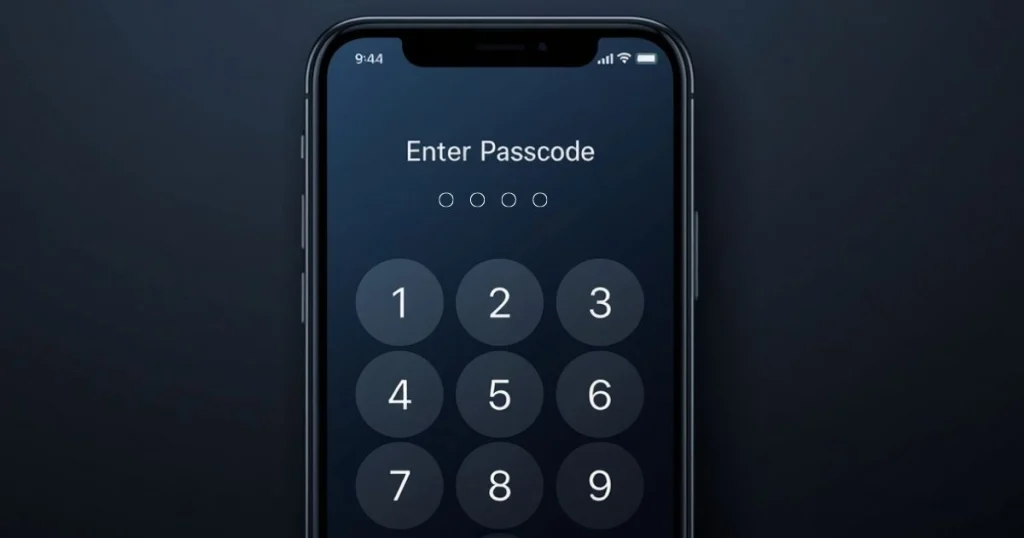
- Discuss any passcode requirements. Agreeing on the minimum access needed allows technicians to complete functional testing more efficiently.
- Ask how testing will be carried out. Understanding the testing process helps you make informed privacy decisions before work begins.
What happens during the repair process
Most professional repairs follow a structured process, but your notes and observations play an important role throughout.
- Initial assessment. The technician inspects the device, records visible cosmetic damage and confirms the symptoms you’ve reported.
- Diagnosis. Your symptom notes help identify whether the problem is constant or intermittent, reducing unnecessary guesswork.
- Repair. Once the required repair has been identified, the necessary work is completed where appropriate.
- Functional testing. The repaired device is tested to confirm the repaired functions operate correctly before it is returned.
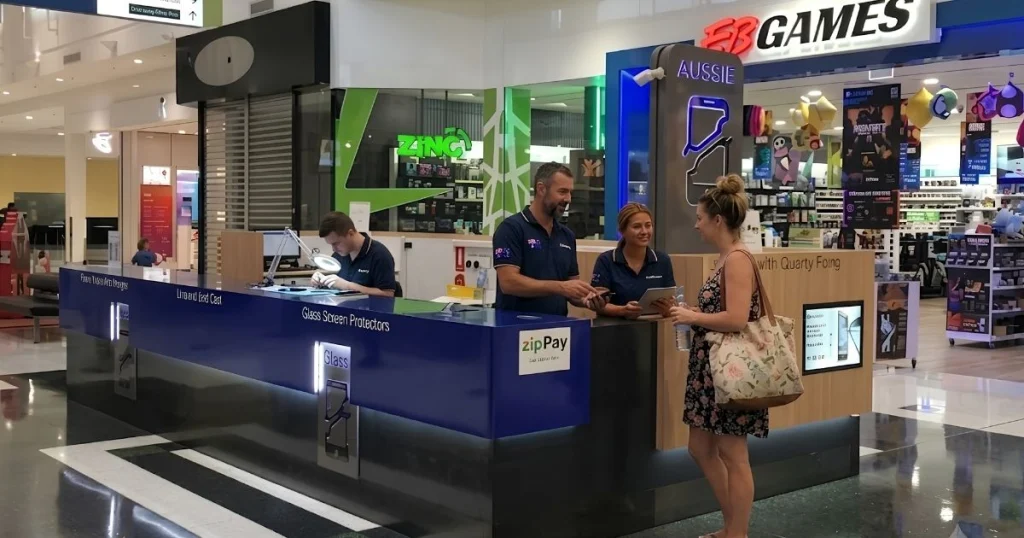
- Collection. You can inspect the completed repair, ask questions about the testing that was performed and, with Aussie Mobile Phone Repairs, payment is made after the repair rather than beforehand.
Aussie Mobile Phone Repairs supports customers through Brisbane locations and an Australia-wide courier service. Repairs are completed by experienced technicians and include functional testing before return.
Your post-repair checklist before leaving
Use this checklist before leaving the repair shop or soon after receiving your device back. If something does not match the original repair request, raise it while the details are still fresh.
| Item to check | What to look for |
|---|---|
| Screen response | Test touch input across the display. Dead areas or unexpected touches should be discussed before leaving. |
| Charging | Confirm the device charges normally if charging was part of the repair. |
| Speakers and microphone | Make a test call or play audio. If the original issue involved sound, compare it with your earlier symptom notes. |
| Cameras | Open both cameras and check focus and image quality. |
| Buttons | Confirm the power and volume buttons respond consistently. |
| Wireless features | Test Wi-Fi, Bluetooth and mobile connectivity where practical. |
| Exterior condition | Compare the device with your pre-repair photos and discuss any unexpected differences immediately. |
If functional testing has already been completed by the repair provider, your own checks act as a final confirmation that the device behaves as you expect during normal use.
When to return if something still isn’t right
Scenario: You collect your phone, but later notice the original fault is still occurring or another issue appears during everyday use.
- Record exactly what happened and when it occurred.
- Compare it with the symptom notes you made before the repair.
- Contact the repair provider and explain your observations clearly.
- If your repair includes a lifetime warranty, ask whether the issue falls within its coverage, as eligibility depends on the repair performed.
Frequently asked questions
Should I write down my phone’s fault even if it’s obvious?
Yes. A cracked screen may be visible, but intermittent charging, unexpected shutdowns or poor speaker performance may not appear immediately. Written notes help ensure every reported issue is assessed during diagnosis.
Why should I photograph cosmetic damage before a repair?
Photos provide a simple record of the device’s condition before it is handed over. They help both you and the repair provider refer to the same information if questions arise about existing marks or damage.
Is functional testing important after a repair?
Yes. Functional testing confirms the repaired features operate as expected before the device is returned, while your own checks help confirm everything works during everyday use.
Can I arrange a repair if I’m outside Brisbane?
Yes. Aussie Mobile Phone Repairs also offers an Australia-wide courier service, allowing customers outside Brisbane to send eligible devices for professional repair.
Once you’ve completed this checklist, you’re in a better position to compare repair options, check repair pricing, request a quote or book a repair with confidence. If you have questions before arranging a repair, contact Aussie Mobile Phone Repairs for advice about your device.